 Italia Troller's site
The best Automad features that you should use!
At first, using Automad feels awkward, but that’s because you haven’t learned enough. In this guide, I will show you the best features of Automad.
Wait! This is for Automad v2, not v1!
1. In-page editing
In-page editing is a great quality of life feature on any CMSes. In Automad, when you’re logged in, you can preview your pages and this will show up:
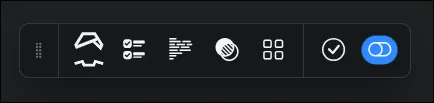
This is the toolbar, hovering on these buttons will show you what will it do. To activate in-page editing, press on the blue dial

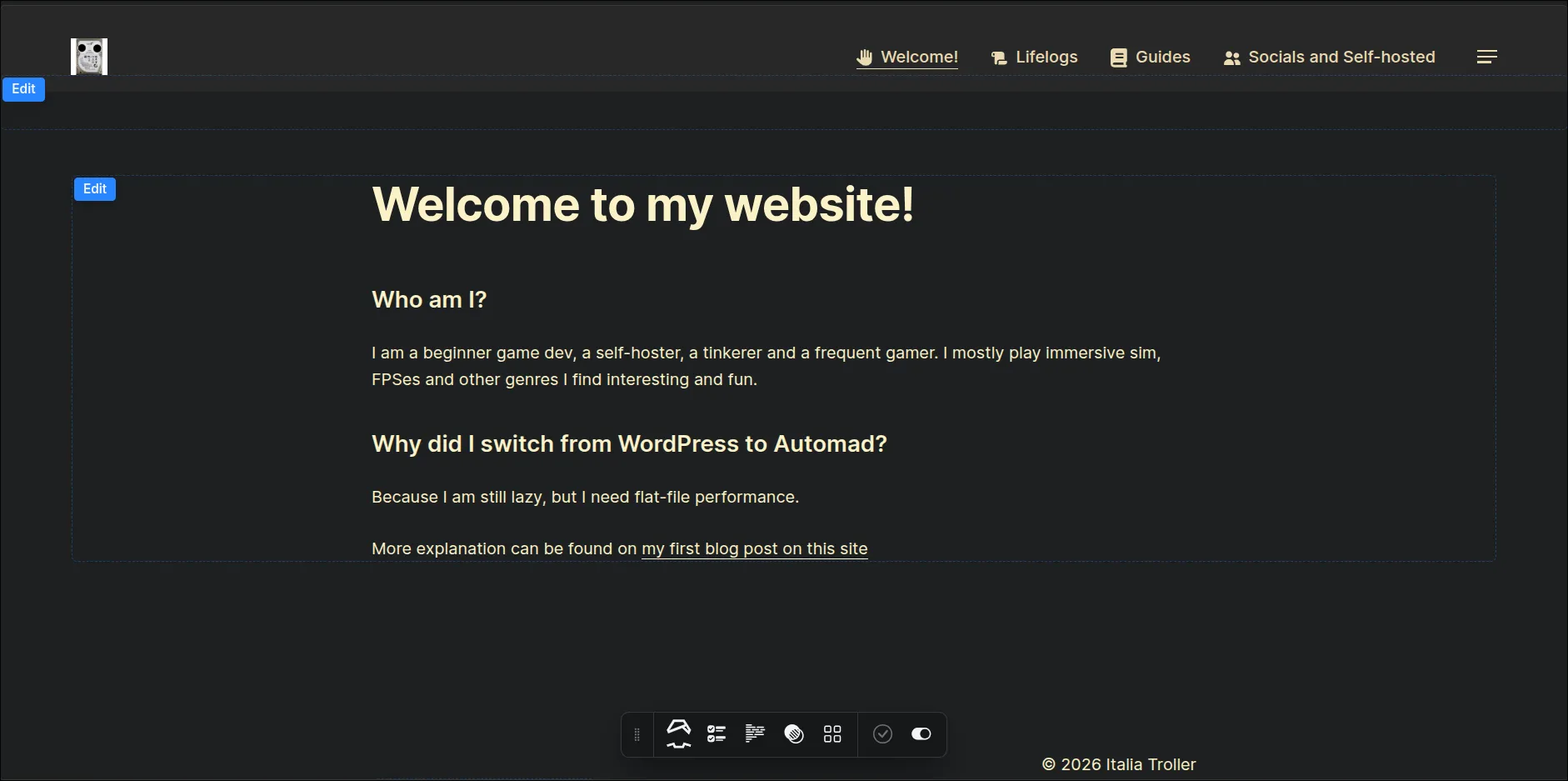
When activated, you will see these fields, press Edit to edit the elements of your page.
2. Components
Components are also a powerful feature of Automad. This can allow you to make custom blocks.
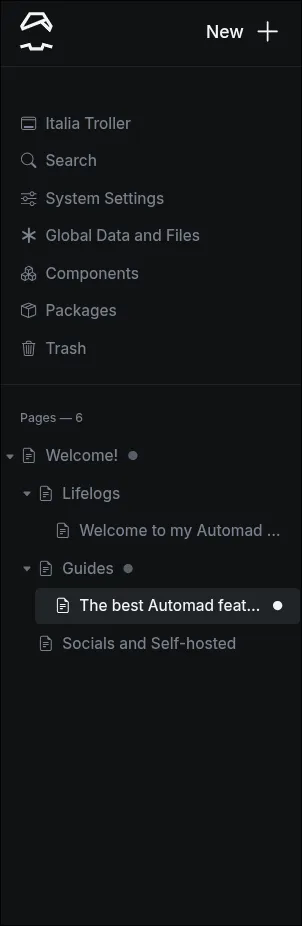
Creating a Component is easy, on the left sidebar of the dashboard interface, go to Components.
On the components page, this interface will show up:
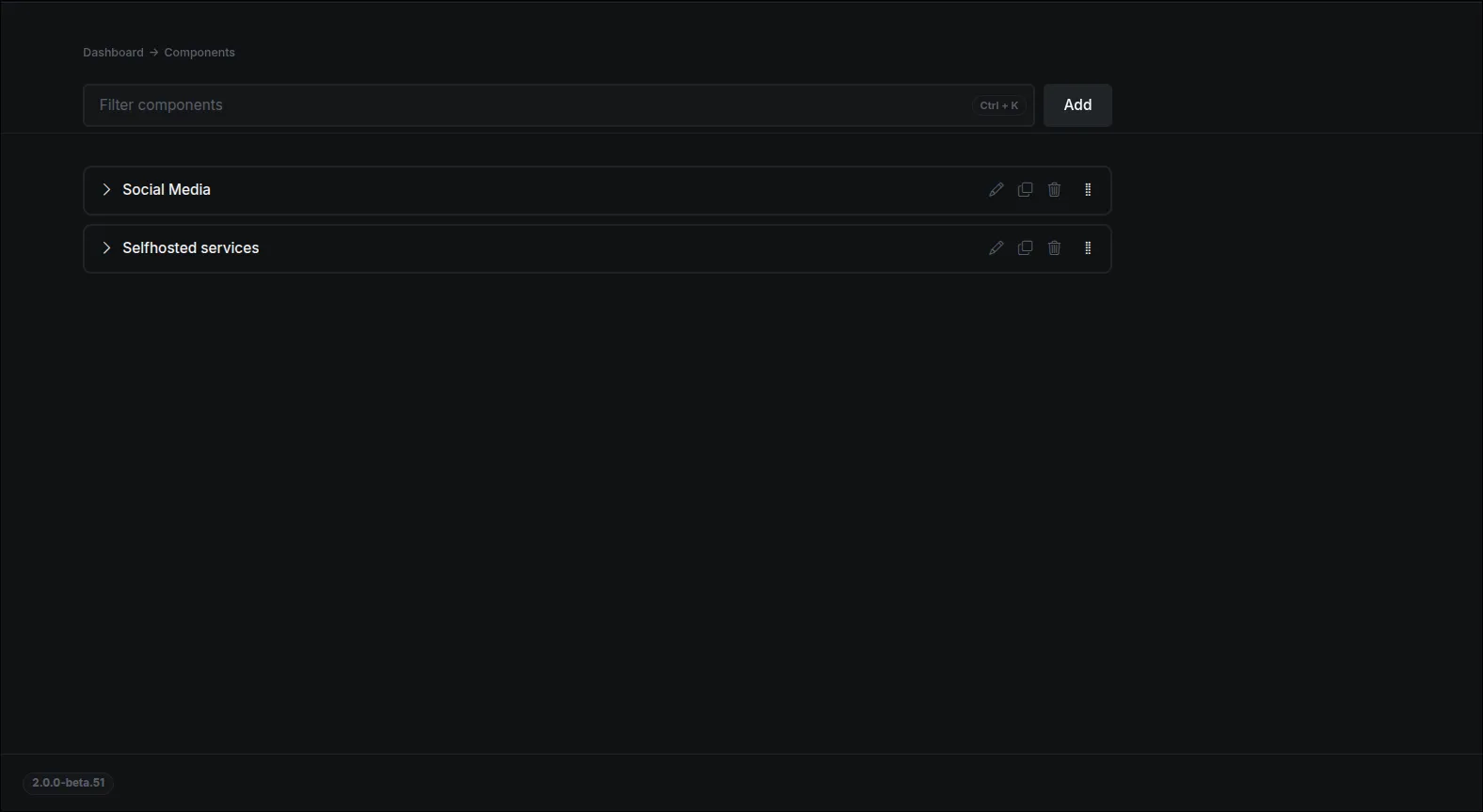
Press Add to add a component, then you can customize it however you want.
Note
Automad still has limitations, so make sure you customize your Components within it!
3. HTML/Markdown blocks
Other CMSes also provide you with HTML and Markdown blocks. But in Automad, HTML/Markdown blocks are more powerful than you think.
The HTML/Markdown blocks can have mixed syntaxes of both HTML and Markdown, which is very useful for people who want to get a mix of code and regular text editing.
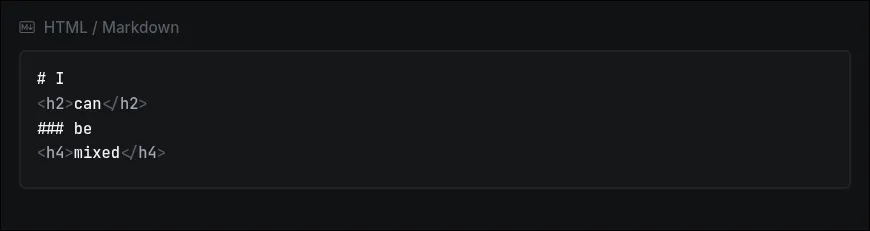
However, the block won’t show anything on the editor, but will show on preview.
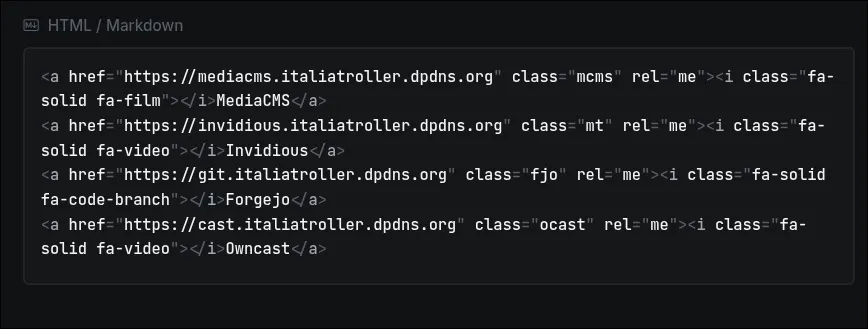

4. HTML everywhere!
(Yep, This guide is now updated, with this!)
You can add HTML everywhere, depending on the theme if you go to Settings on the page or Global Data and Files, for example, SVGs, custom elements on footer, header, …etc
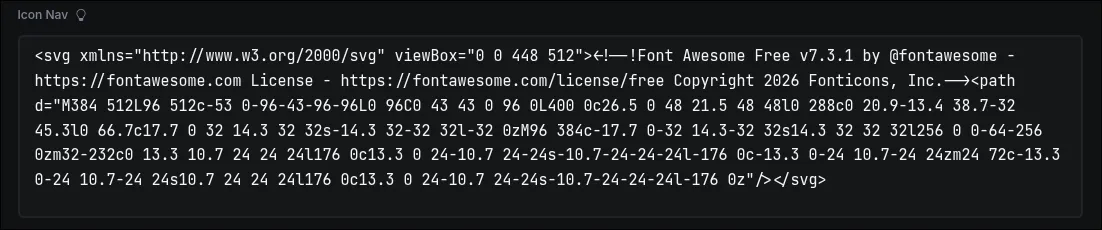
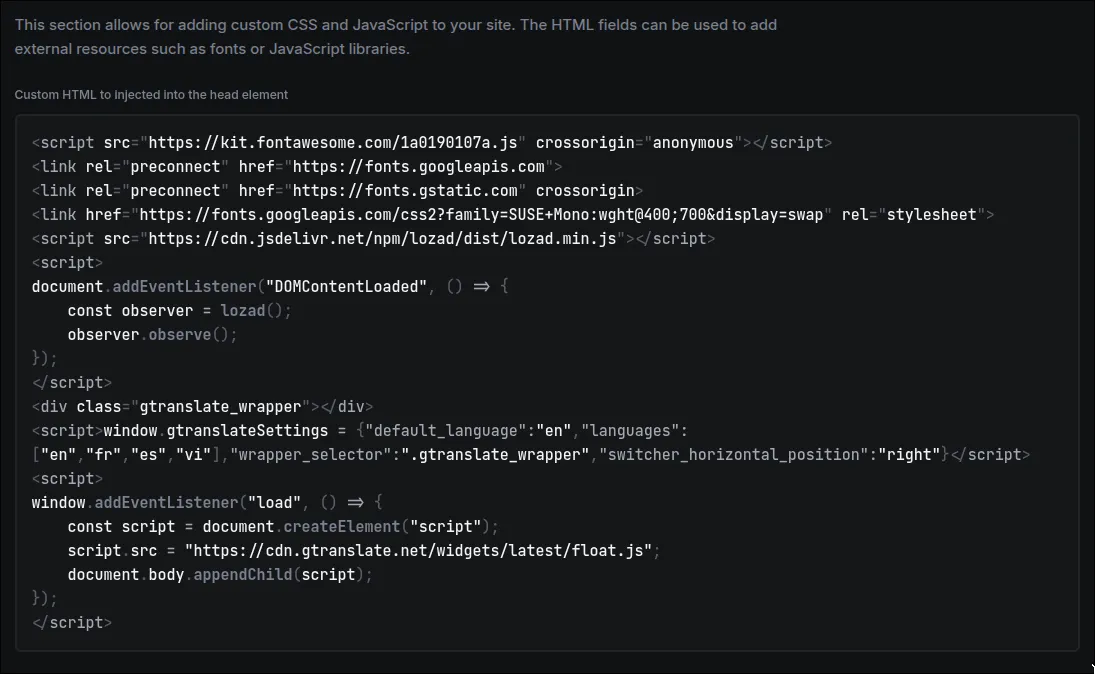
This is powerful, and gives you freedom, but like everyone says:
When you hold the power of freedom, be responsible of it
The long version
With great power comes with great responsibility
When you try to use
sudofor the first time